

Import Keplr account
8/1/25Less than 1 minute
Import Keplr account
If you Have an account you can import it in Keplr extension. To do it follow this steps:
Go to Keplr extension.
Select “Import an existing wallet”.
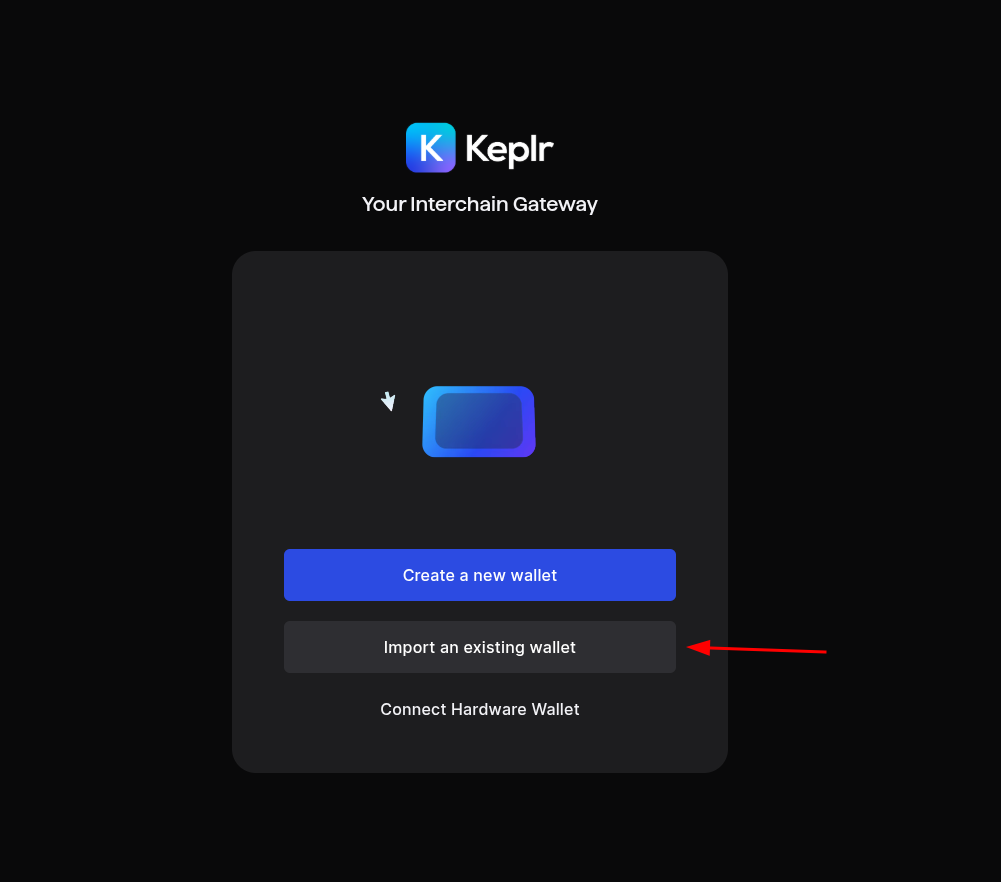
Login using Mnemonic Seed or Private Key
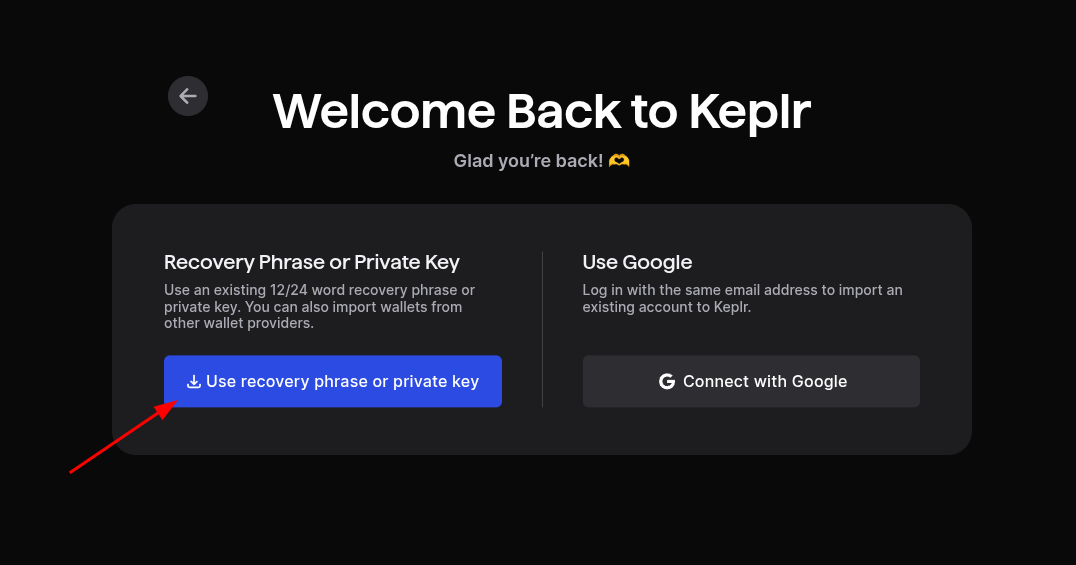
Select use recovery phrase or private key.
- If you select recovery phrase, you have to provide the mnemonic seed that was generated by Keplr or your previous wallet.
- If you select private key, you have to provide the private key that was generated by Keplr or your previous wallet.
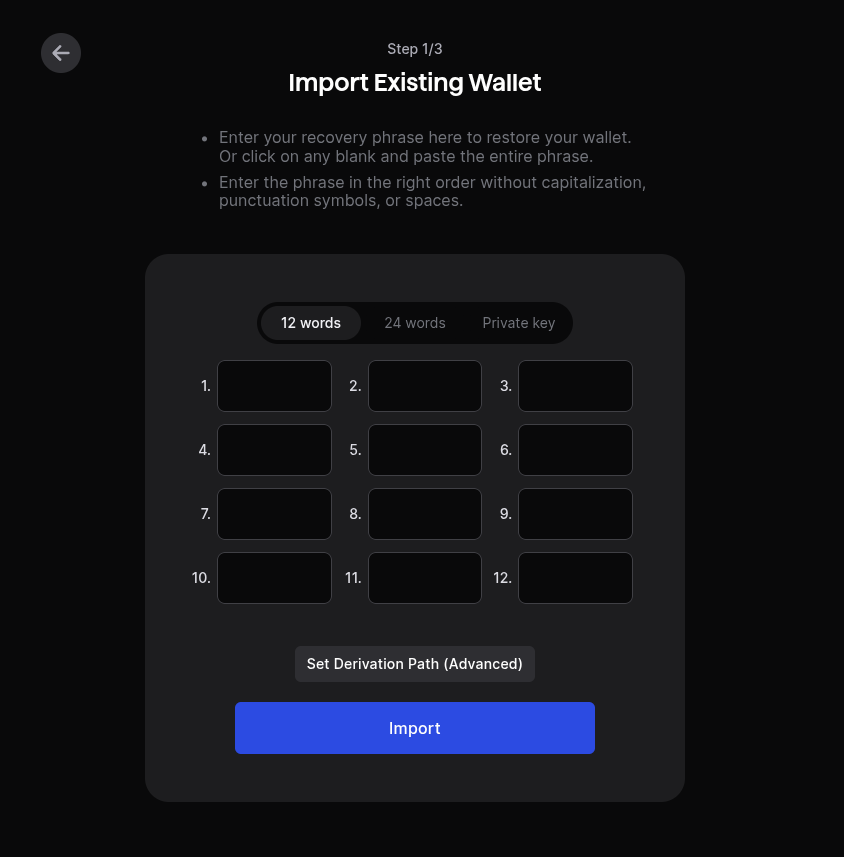
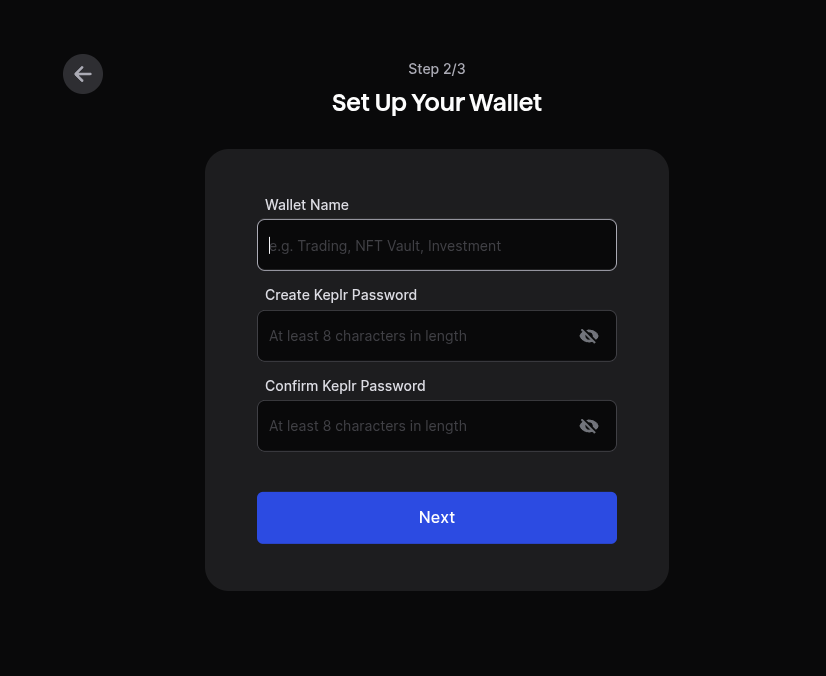
- Create your Login and password.
- (Optional) Select the chains you want to use, then click save.
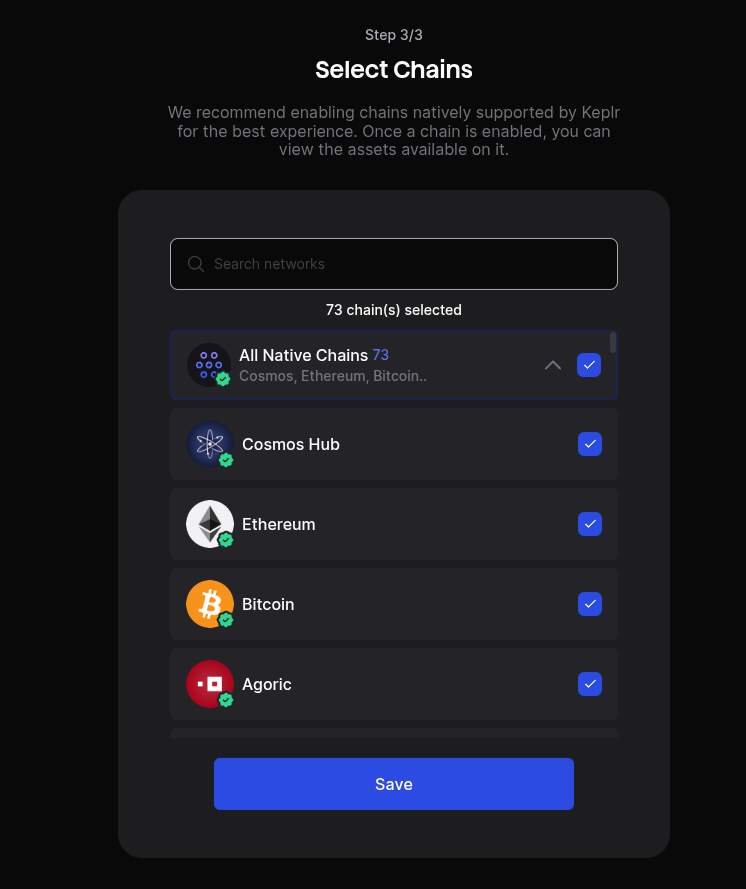
- Click "Finish". Registration is completed.
Login using Google account
- Select "Connect with Google".
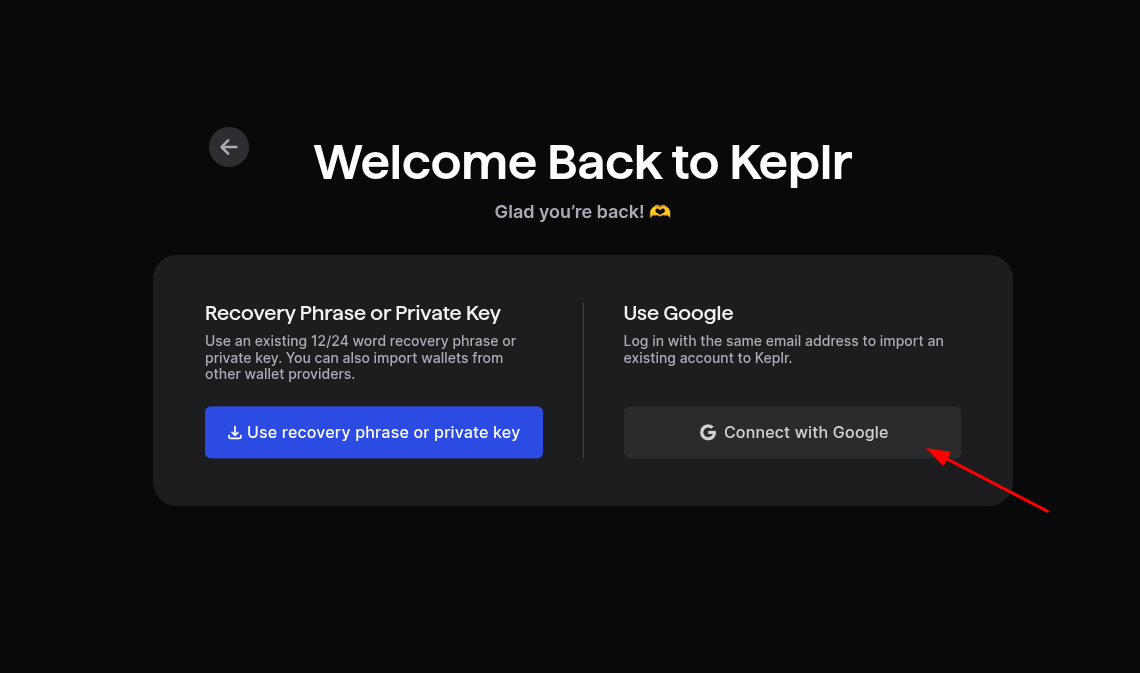
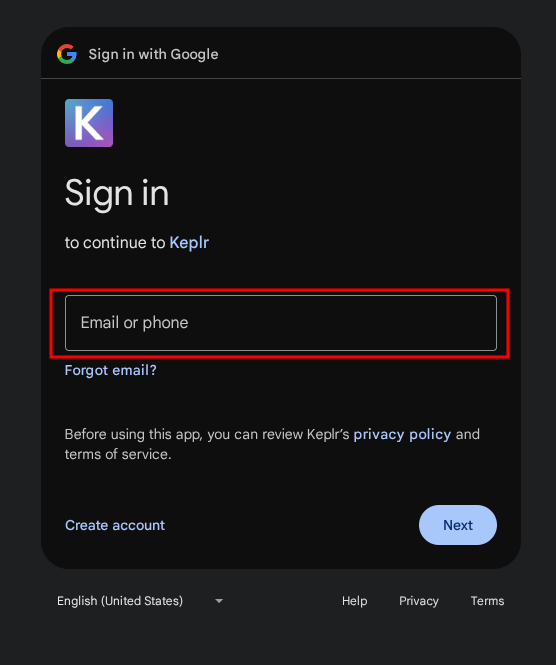
- A window will appear prompting you to login with your Google account. Select the account you want to use, or log in with a different account.
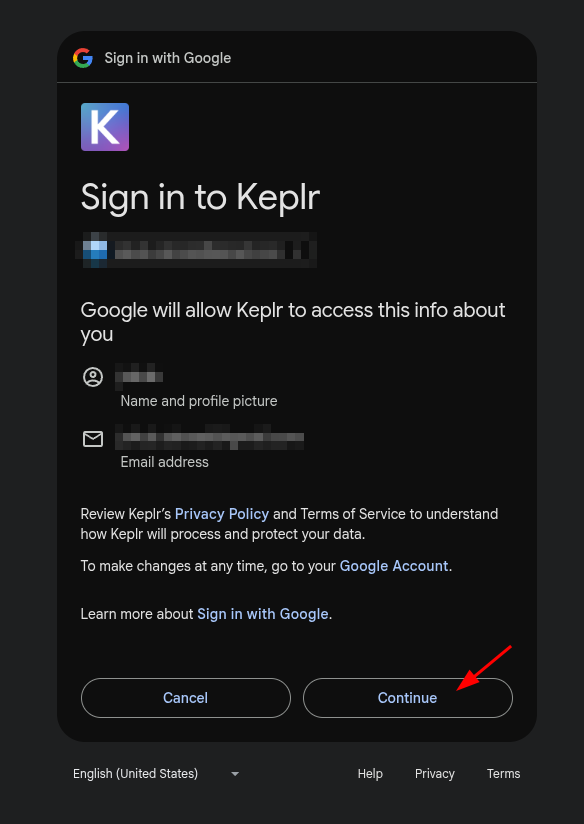
- Click "Continue" to allow Keplr to access your Google account.
- Create your Login and password.
- (Optional) Select the chains you want to use (This can be changed later), then click "Save".
- Click "Finish". Registration is completed.