

Import Leap Wallet Account
8/1/25Less than 1 minute
If you have an account, you can import it in Leap Wallet. To do this, follow these steps:
Go to the Leap Wallet extension.
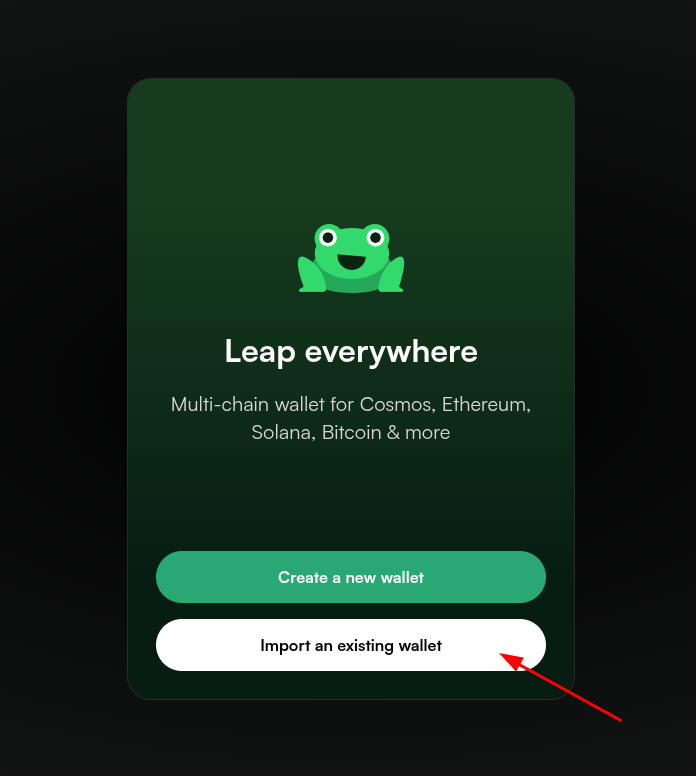
Select “Import an existing wallet”.
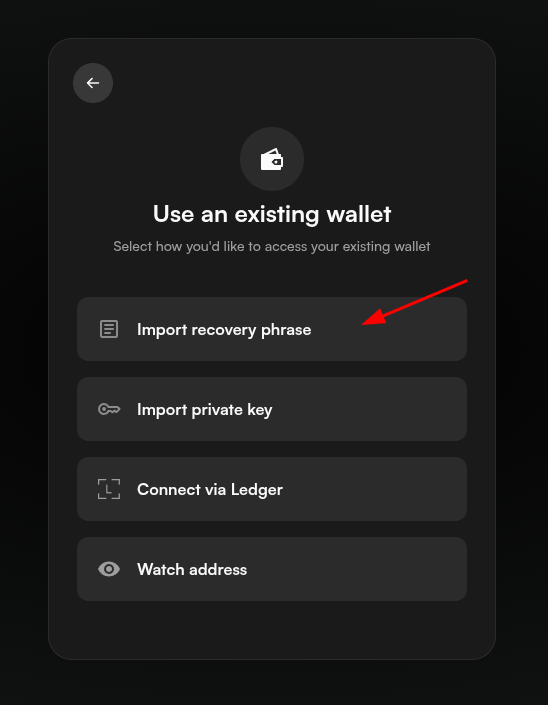
Select the method to import your account:
- Recovery Phrase: Enter the mnemonic seed that was generated by Leap Wallet or your previous wallet.
- Private Key: Enter the private key that was generated by Leap Wallet or your previous wallet.
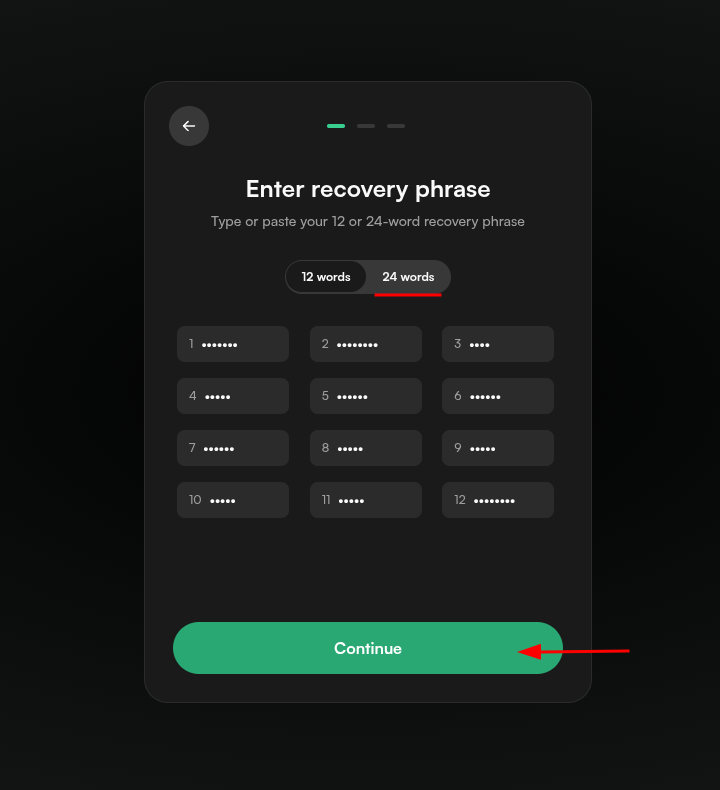
- Enter your mnemonic seed or private key. Then press "Continue".
Tips
If you have a 24 word mnemonic, you have to first select the "24 words" option.
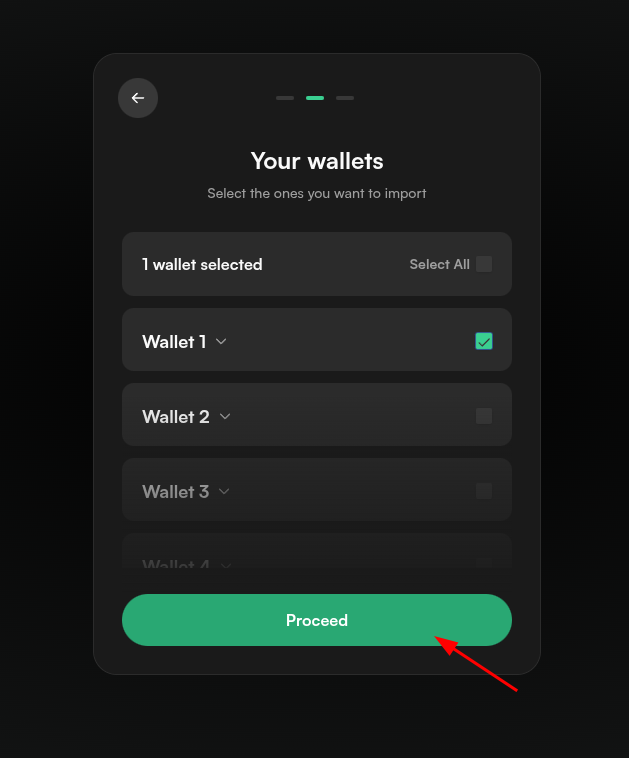
- Select the wallets you want to import. You can select multiple wallets if you have more than one. Then press "Proceed".
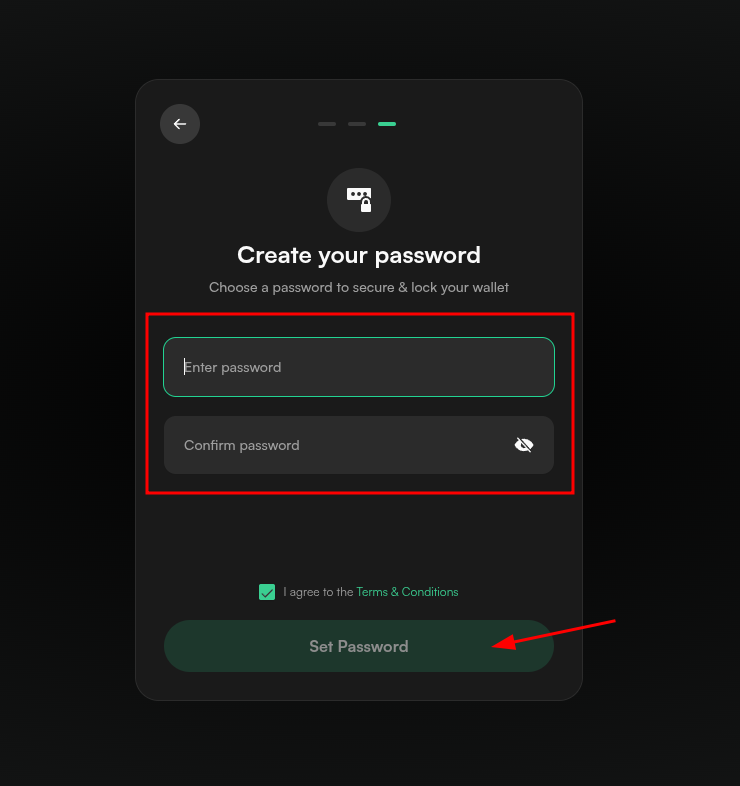
- Enter your password, then press "Set password".
Tips
It is a good practice to never use the same password twice. Make sure to use a strong password that you can remember or use a password manager.
- Import is completed. You can now use your Leap Wallet account.