

Installing a wallet
Installing a wallet
To be able to use the system you have to register an account.
Keplr installation
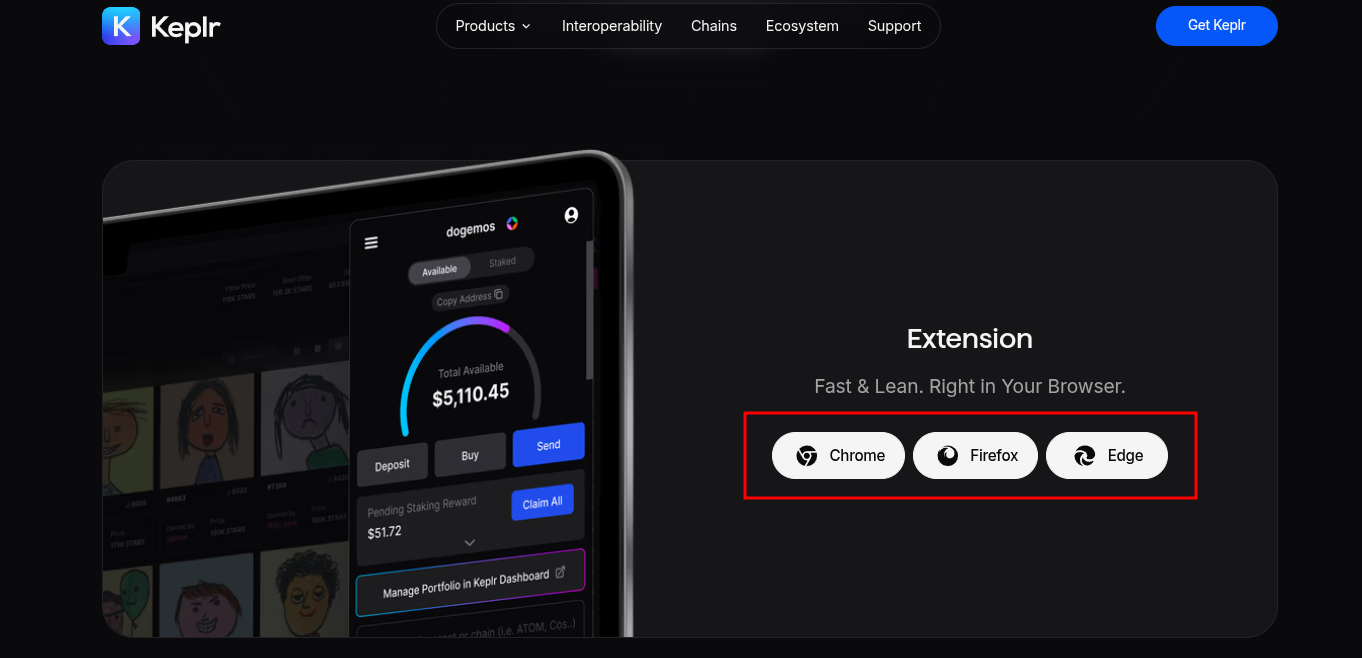
Installing Keplr wallet extension to your Browser:
Select your browser and install the extension.
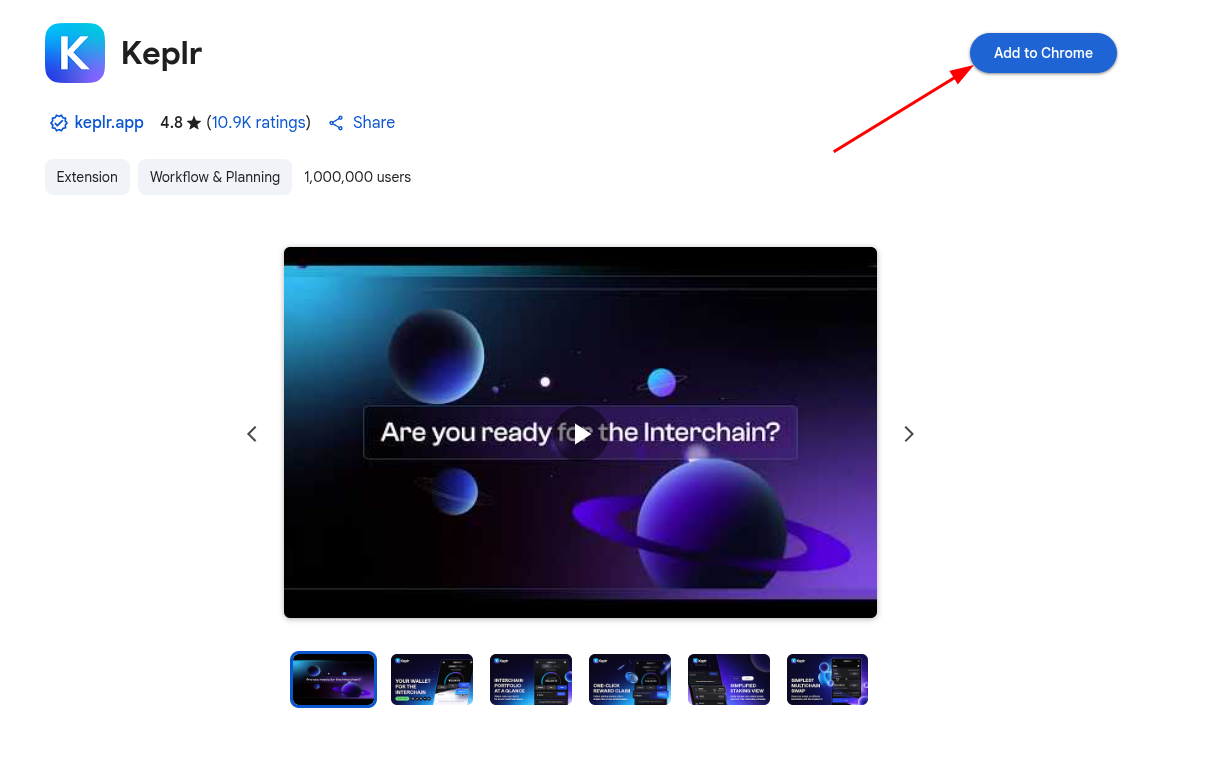
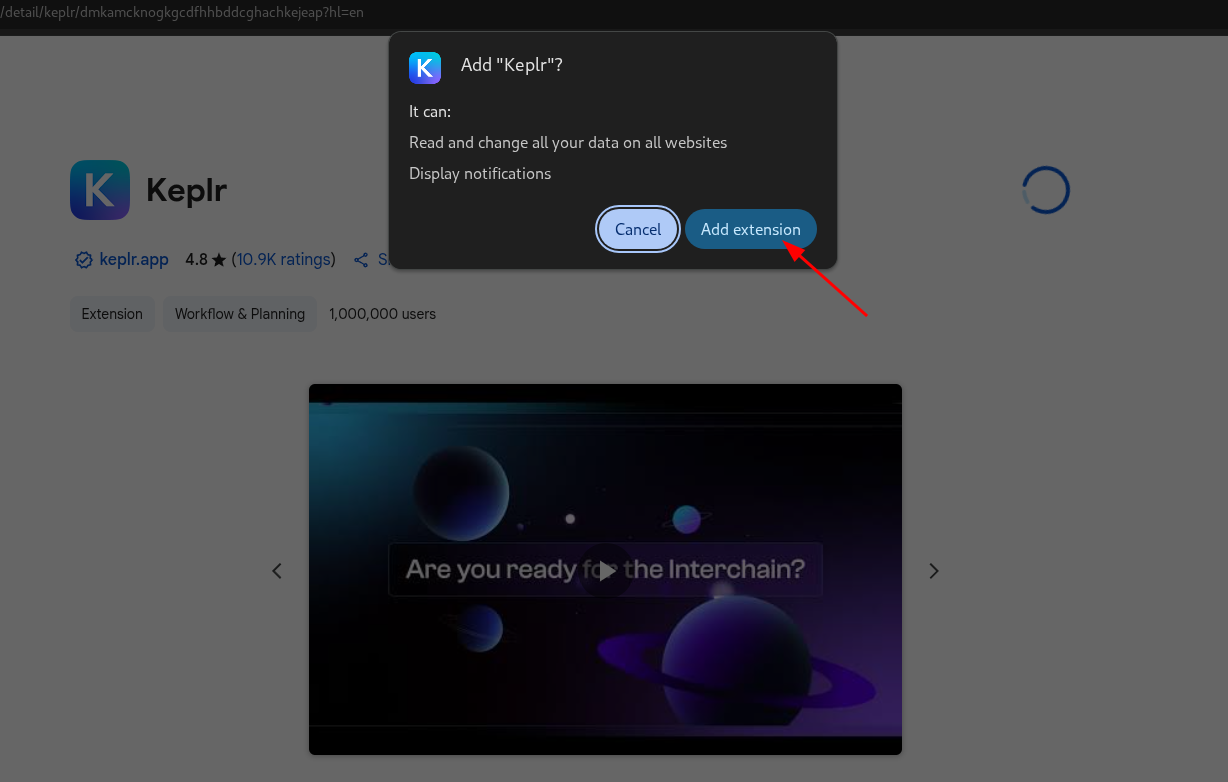
- Confirm installing extension
- A new window should appear prompting you to login or create a new account.
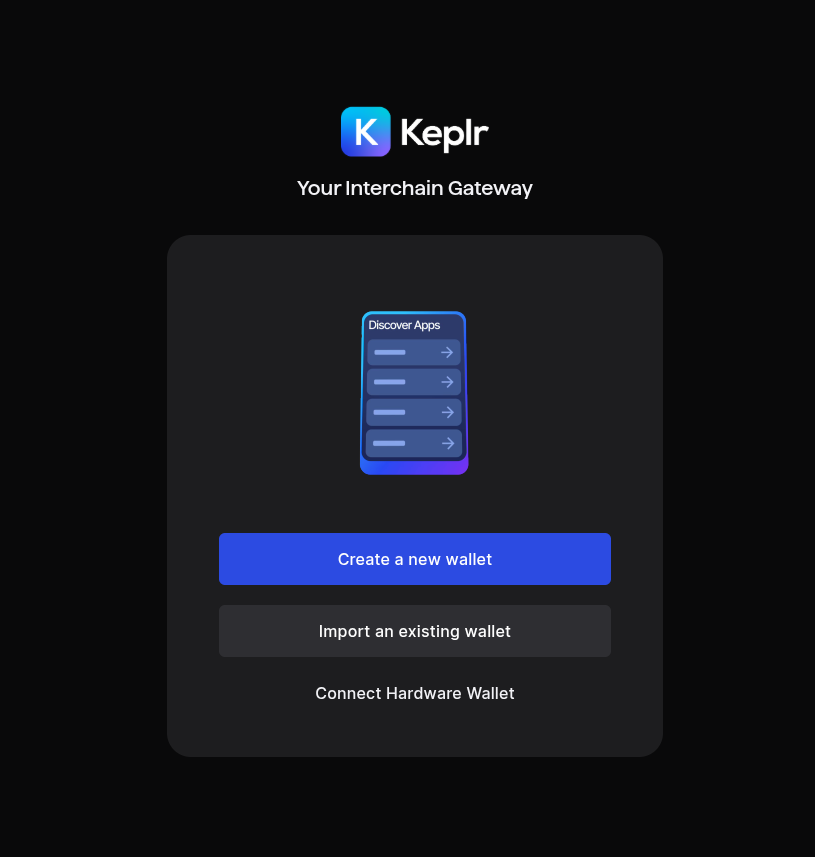
- If you already have a Keplr wallet, you can log into it clicking "Import an existing wallet", and selecting a login option:
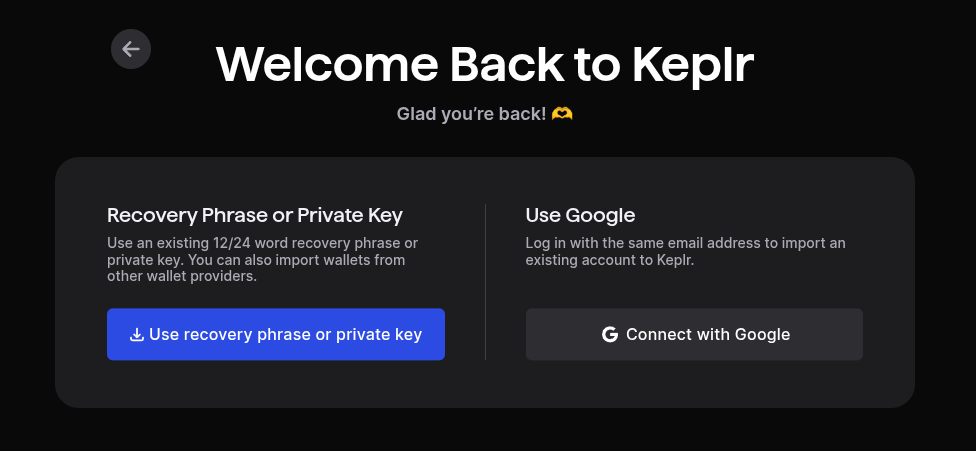
You can log into Keplr using your Google account or your mnemonic seed phrase. If you have a different wallet and want to import it, you can also use the mnemonic seed phrase to import it into Keplr. You can continue with the login by following the instructions here.
If you don’t have an account, there are two options of registration:
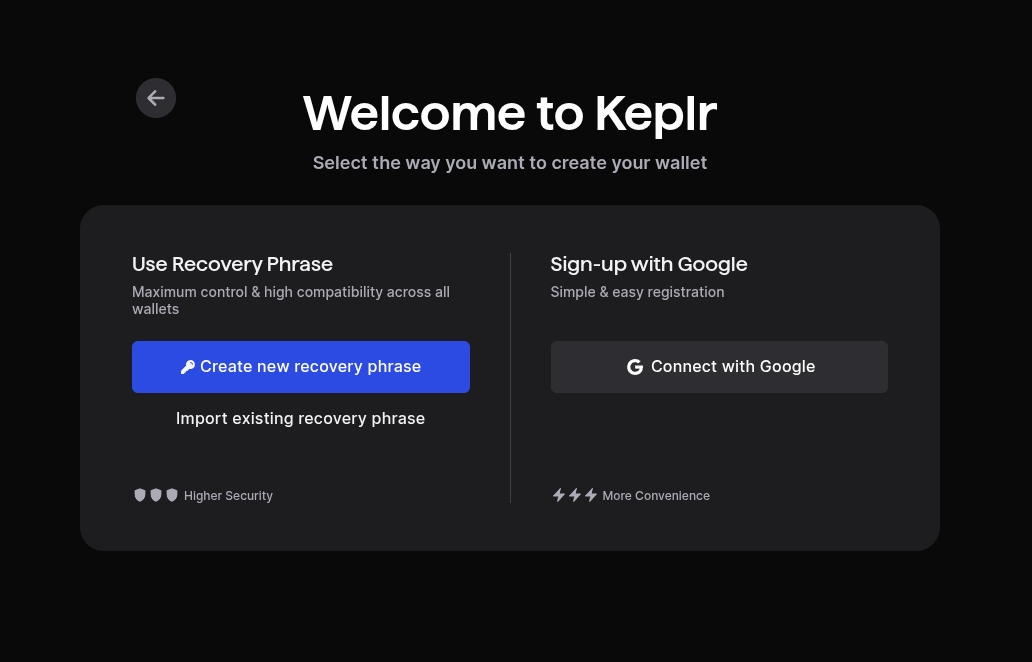
Leap installation
Installing Leap wallet extension to your Browser:
Warning
Leap wallet does not have a firefox extension.
It is only available for Chromium based browsers like Chrome, Brave, Edge, etc.
Please use Keplr wallet if you are using Firefox browser or its derivatives.
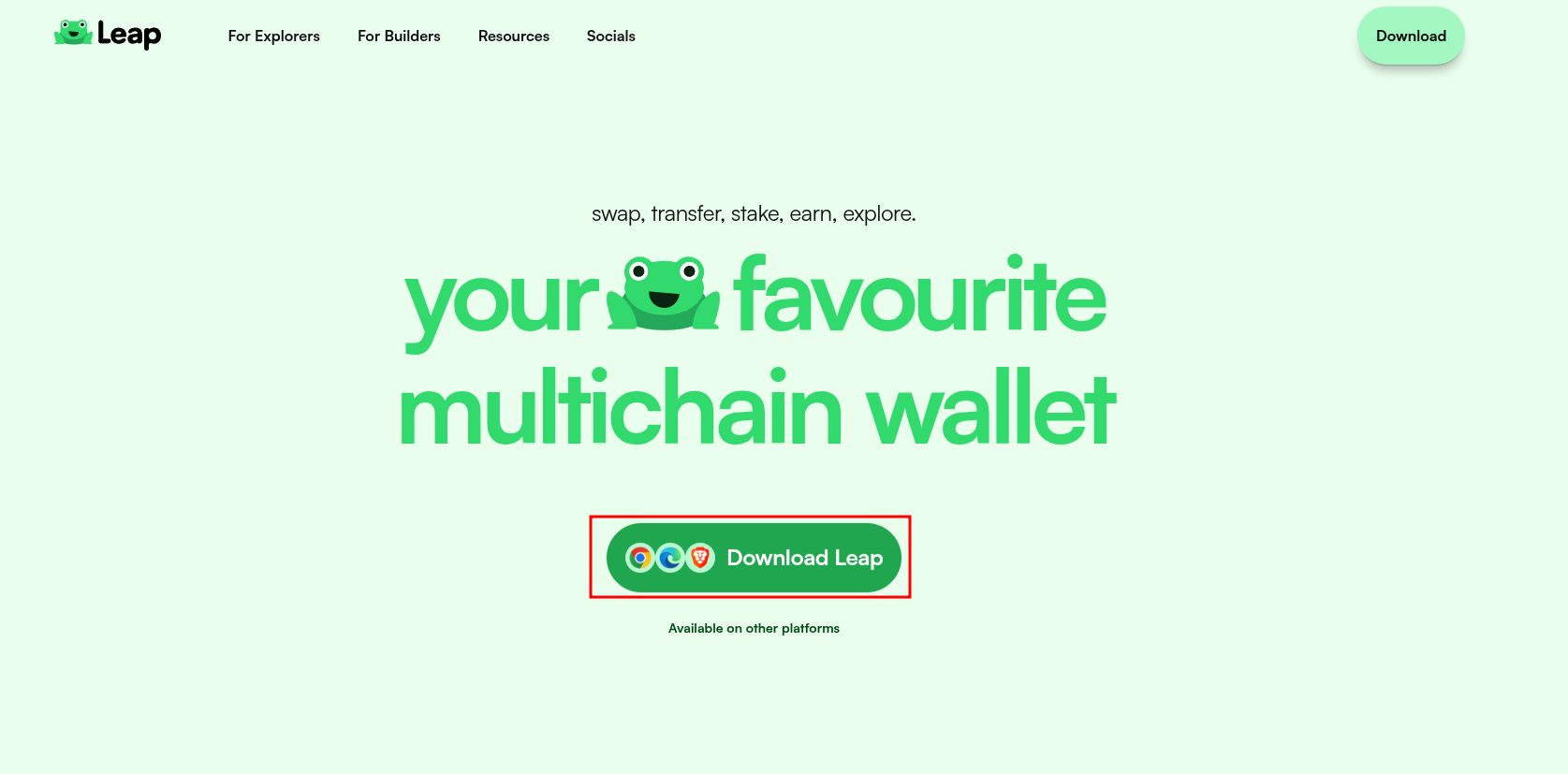
- Go to Official Leap wallet installation page and press "Download Leap".
- Press "Add to Chrome" button.
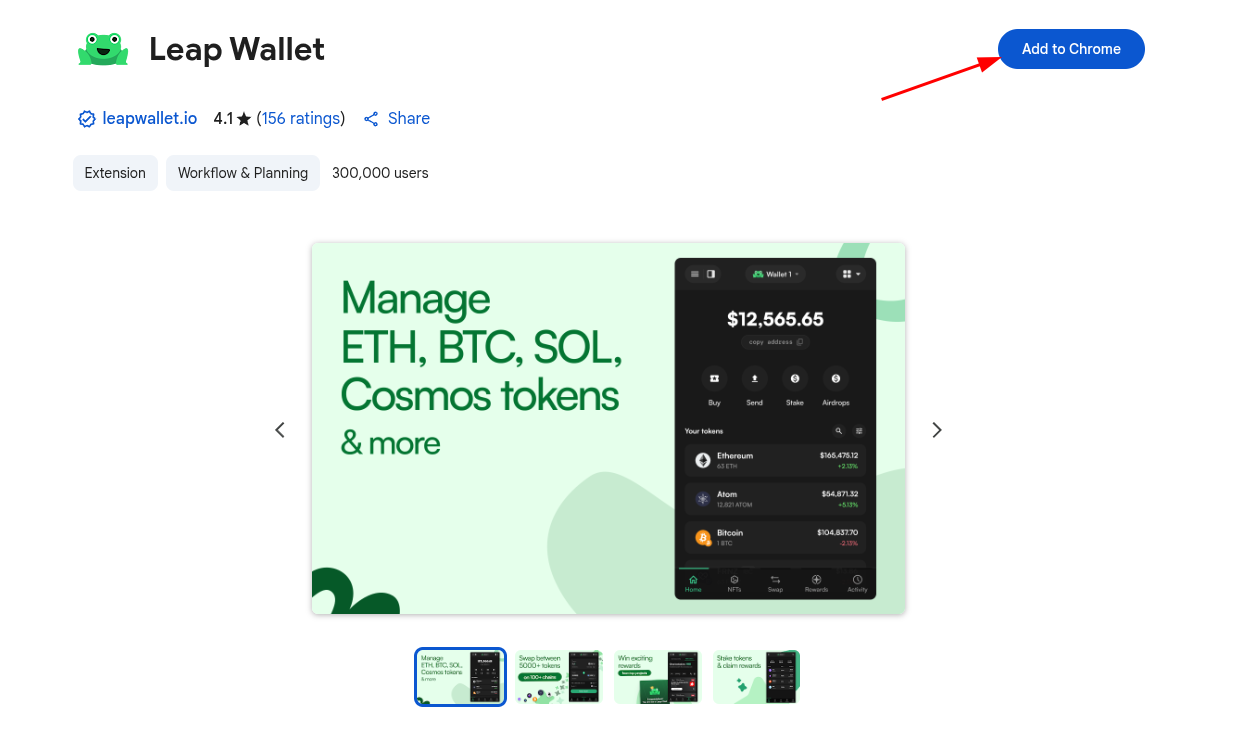
- Continue with the installation by pressing "Add extension".
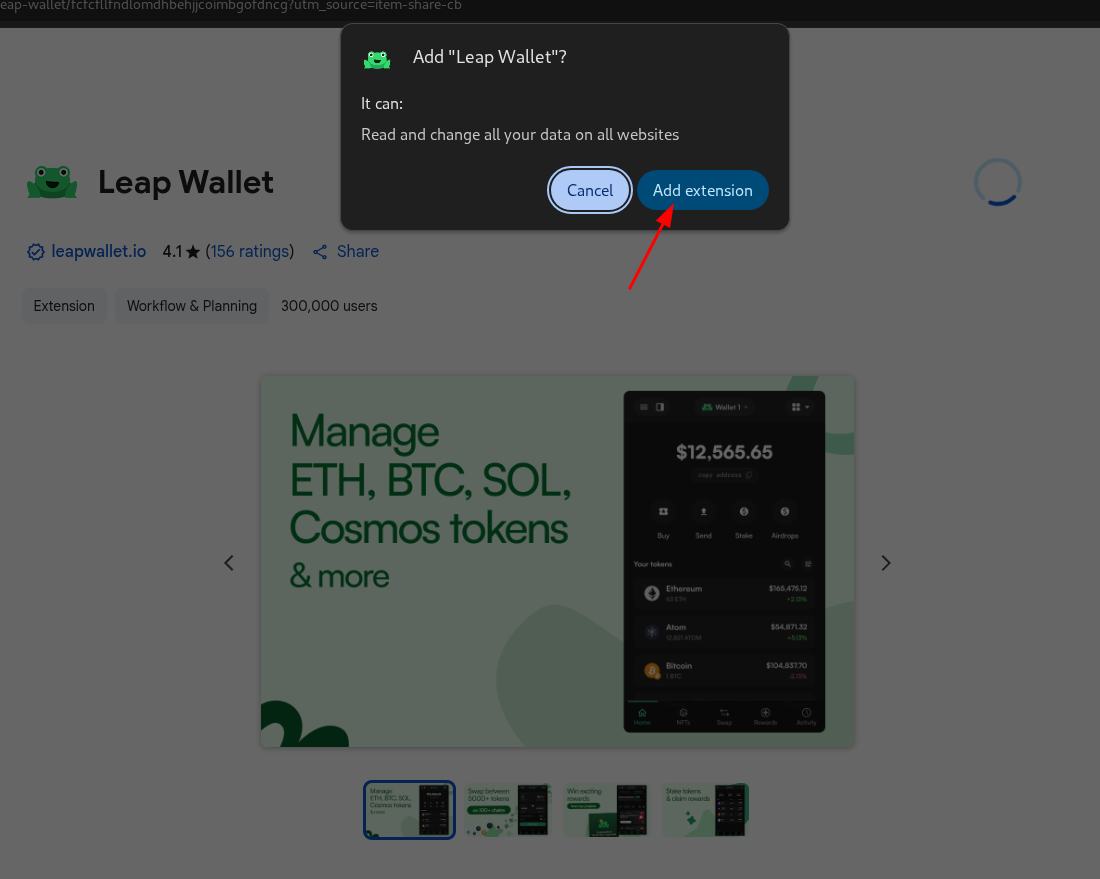
- A new window should appear prompting you to login or create a new account.

- If you already have a wallet, you can import it by clicking "Import an existing wallet", and selecting a login option:
Continue with the login by following the instructions here.
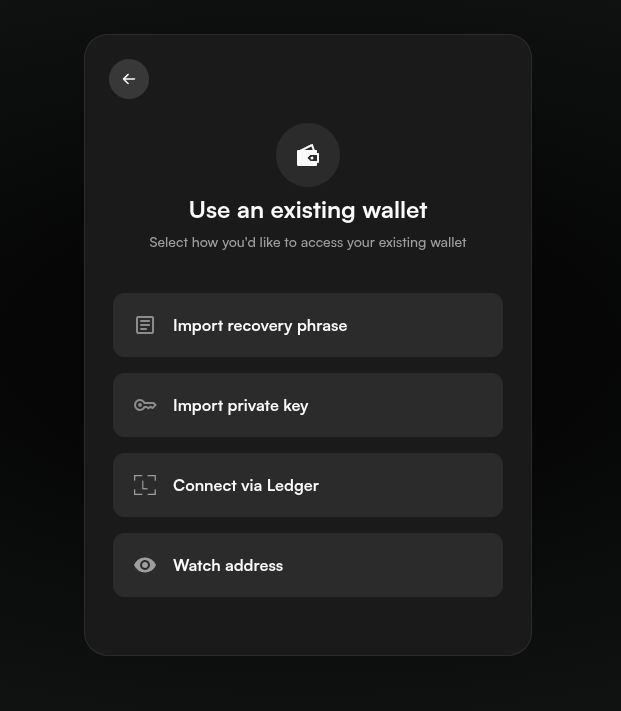
- If you do not have an account, select "Create a new wallet". Then you can follow the instructions here.