

Governance
8/1/25Less than 1 minute
Governance
In governance users can see different proposals and vote for them. Options of voting are available to users that have staked tokens. Staked tokens are the measurement of voting power.
Important
Only tokens that are staked in validators at the end of the voting period will be counted in the final voting decision.
To vote user have to be logged in and have some token staked inside validators.
To vote follow the next steps:
- Go to “governace” page in wallet application.
- Find the proposal that you want to vote on.
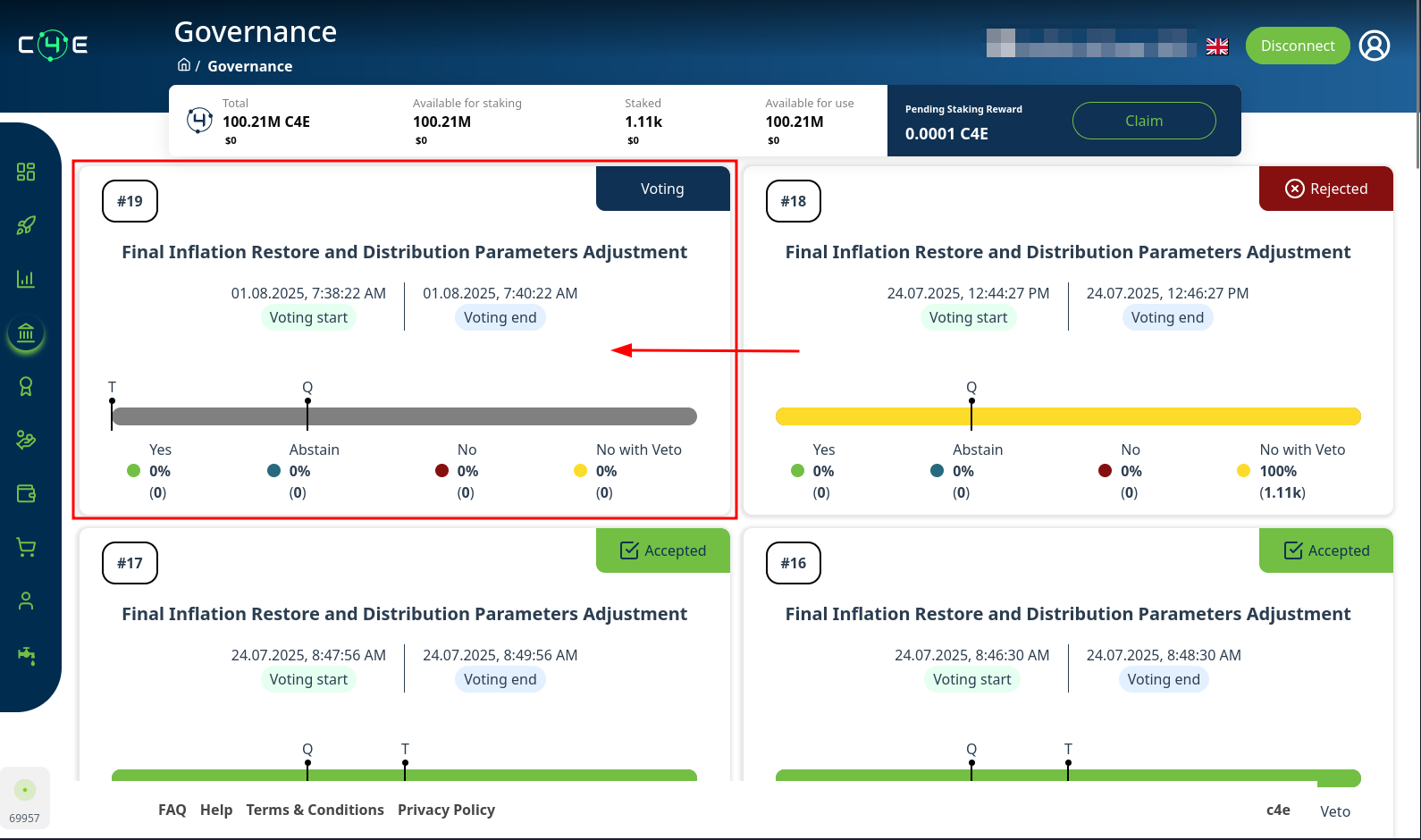
- Make sure this proposal has not ended.
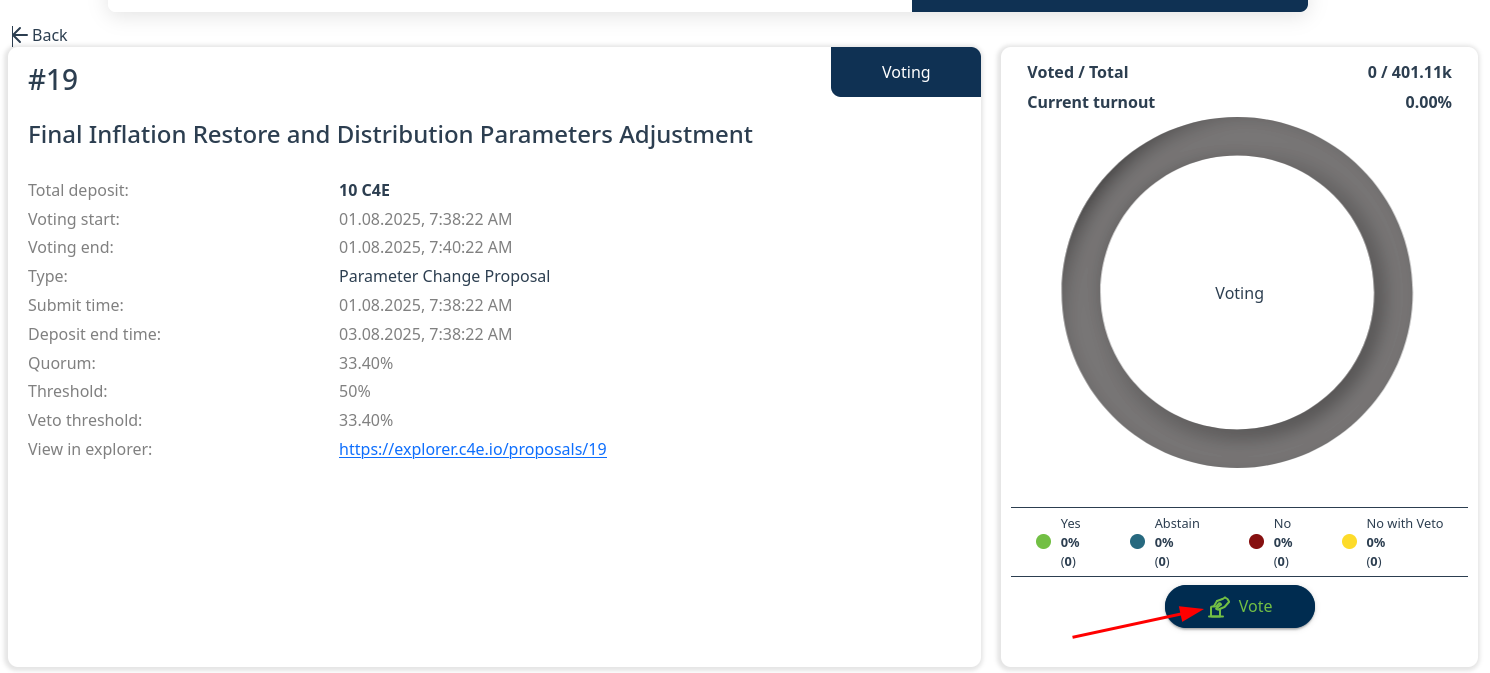
- Click on proposal you want to vote on. You will be redirected to proposal details page.
- On proposals details page click “Vote”.
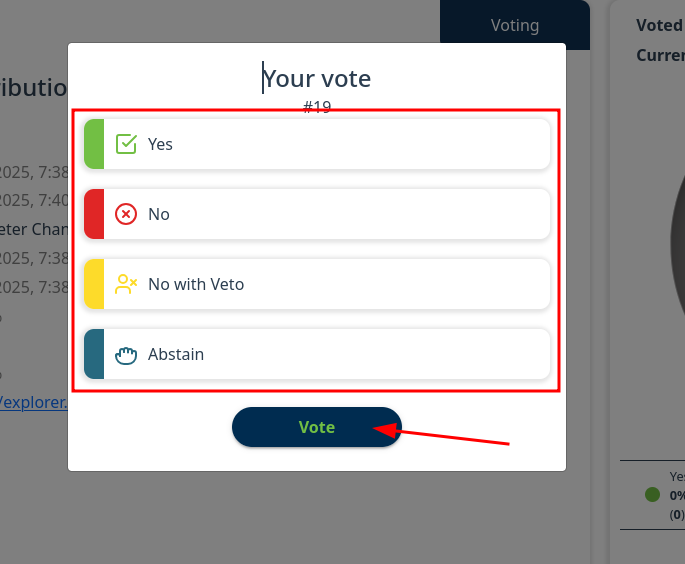
- Choose your voting option
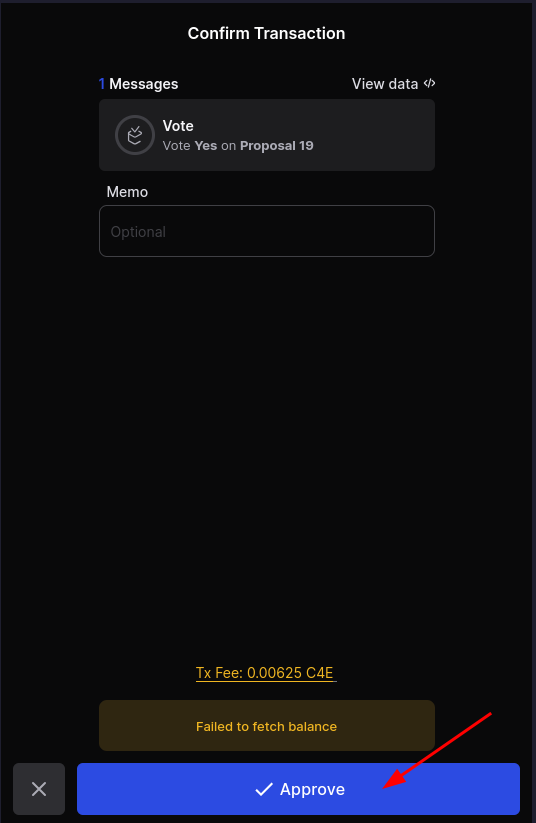
- Inside Keplr window click Approve;
Note
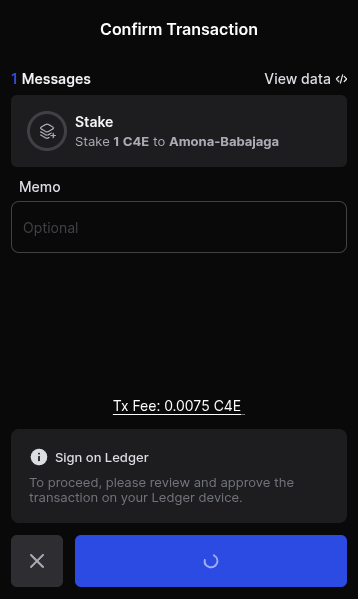
If you are using Ledger way of login you have to approve the action by Ledger
- Voting is done